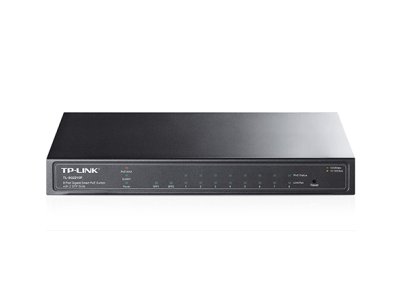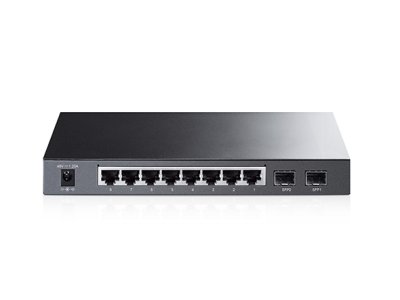
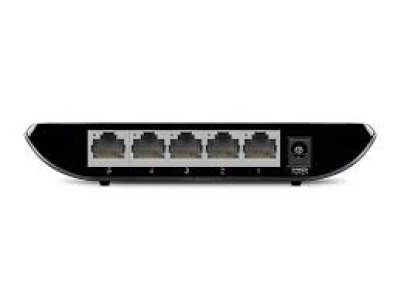
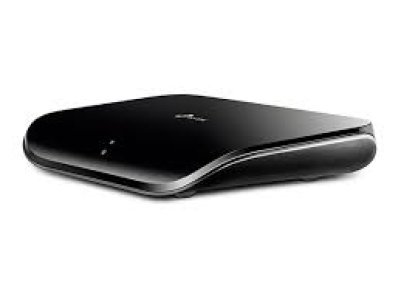
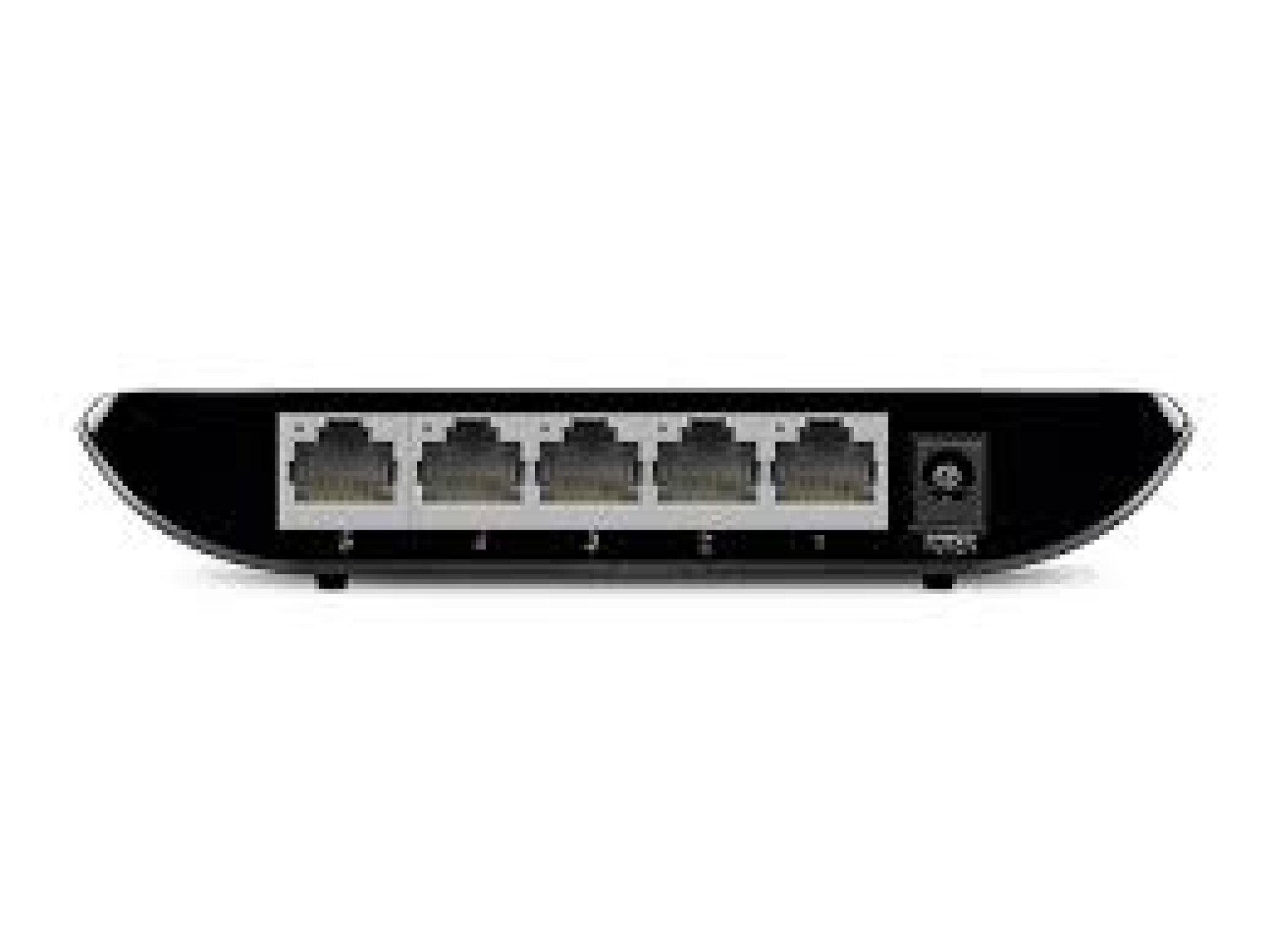
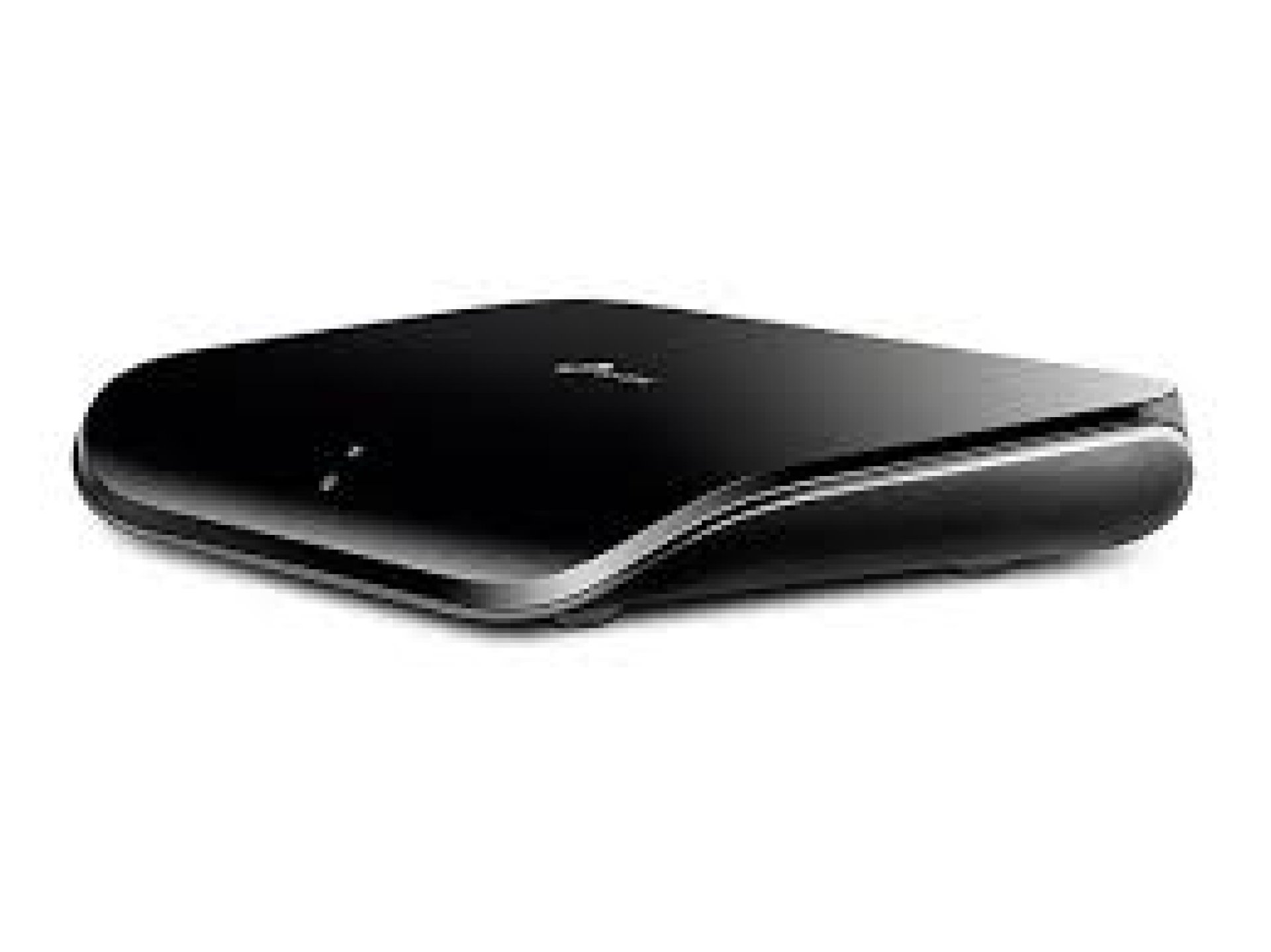
Key Features of TP-Link TL-SG1005D 5-Port Gigabit Desktop Network Switch
-
5 × 10/100/1000Mbps Gigabit Ethernet ports
-
Auto-negotiation on all ports
-
Auto MDI/MDIX support
-
IEEE 802.3x flow control
-
Energy-efficient Green Ethernet technology
-
Plug-and-play installation
-
Fanless design for silent operation
-
Desktop or wall-mounting design
Overview of TP-Link TL-SG1005D 5-Port Gigabit Desktop Network Switch
The TP-Link TL-SG1005D 5-Port Gigabit Desktop Network Switch is an unmanaged network switch designed to expand wired network connections in homes, offices and small workgroups. It features five Gigabit Ethernet ports supporting speeds of 10Mbps, 100Mbps and 1000Mbps, allowing multiple wired devices to connect to the same network. It is suitable for connecting desktop computers, printers, network storage devices, routers and other Ethernet-enabled equipment.
The switch uses plug-and-play technology, so no software configuration is required before use. Its automatic speed negotiation and Auto MDI/MDIX functions simplify connectivity, while Green Ethernet technology helps reduce power consumption based on network activity and cable length. The fanless design also allows it to operate quietly in desktop environments.
Price of TP-Link TL-SG1005D 5-Port Gigabit Desktop Network Switch in Kenya
|
Price Range |
|---|
|
KSh 1,800–2,200 |
Specifications of TP-Link TL-SG1005D 5-Port Gigabit Desktop Network Switch
|
Specification |
Details |
|---|---|
|
Brand |
TP-Link |
|
Model |
TL-SG1005D |
|
Product Type |
Gigabit Desktop Network Switch |
|
Switch Type |
Unmanaged |
|
Number of Ports |
5 |
|
Port Type |
10/100/1000Mbps RJ45 |
|
Ethernet Standards |
IEEE 802.3, IEEE 802.3u, IEEE 802.3ab |
|
Flow Control |
IEEE 802.3x |
|
Auto-Negotiation |
Yes |
|
Auto MDI/MDIX |
Yes |
|
Switching Capacity |
Up to 10Gbps |
|
Transmission Method |
Store-and-Forward |
|
Cooling |
Fanless |
|
Power Supply |
External Power Adapter |
|
Installation |
Desktop or Wall-Mounting |
|
Management |
Unmanaged, Plug and Play |
Gigabit Ethernet Performance Features of TP-Link TL-SG1005D 5-Port Gigabit Desktop Network Switch
-
Five Gigabit Ports: Provides five 10/100/1000Mbps Ethernet connections, allowing several wired devices to share a network through one compact switch.
-
Faster Network Transfers: Gigabit connectivity supports faster file transfers between compatible computers, network storage devices and other connected equipment.
-
Automatic Speed Negotiation: Each port detects the supported speed of the connected device and automatically selects an appropriate connection rate.
Network Reliability Features of TP-Link TL-SG1005D 5-Port Gigabit Desktop Network Switch
-
IEEE 802.3x Flow Control: Helps regulate data transmission between connected devices to reduce packet loss during network traffic.
-
Auto MDI/MDIX: Automatically detects the Ethernet cable connection type, eliminating the need for crossover cables.
-
Store-and-Forward Technology: Checks incoming Ethernet frames before forwarding them to their destination, supporting reliable data transmission.
Installation and Energy Efficiency Features of TP-Link TL-SG1005D 5-Port Gigabit Desktop Network Switch
-
Plug-and-Play Setup: Requires no configuration or specialist networking software, making it suitable for users who need additional Ethernet ports quickly.
-
Green Ethernet Technology: Adjusts power consumption according to network link status and cable length to help reduce unnecessary energy use.
-
Flexible Placement: Its compact desktop design can also be wall-mounted, providing flexibility when setting up a wired network.
-
Silent Operation: The fanless construction eliminates cooling fan noise, making it suitable for desks, offices and other quiet environments.
Pros and Cons of TP-Link TL-SG1005D 5-Port Gigabit Desktop Network Switch
|
Pros |
Cons |
|---|---|
|
Five Gigabit Ethernet ports |
No PoE support |
|
Supports speeds up to 1000Mbps |
No advanced managed networking features |
|
Simple plug-and-play installation |
Limited to five connected Ethernet devices |
|
Energy-efficient Green Ethernet technology |
Requires an external power adapter |
|
Fanless and silent operation |
No built-in Wi-Fi connectivity |
Frequently Asked Questions About TP-Link TL-SG1005D 5-Port Gigabit Desktop Network Switch
1. What is TP-Link TL-SG1005D 5-Port Gigabit Desktop Network Switch used for?
It expands the number of available wired Ethernet connections, allowing multiple computers, printers, routers and other network devices to connect to the same network.
2. How many ports does TP-Link TL-SG1005D 5-Port Gigabit Desktop Network Switch have?
It has five Gigabit Ethernet RJ45 ports, each supporting 10Mbps, 100Mbps and 1000Mbps connections.
3. Is TP-Link TL-SG1005D 5-Port Gigabit Desktop Network Switch a managed switch?
No. It is an unmanaged switch that works automatically without requiring network configuration or management software.
4. Does TP-Link TL-SG1005D 5-Port Gigabit Desktop Network Switch support Gigabit Ethernet?
Yes. All five ports support Gigabit Ethernet speeds of up to 1000Mbps when connected to compatible devices and network equipment.
5. Does TP-Link TL-SG1005D 5-Port Gigabit Desktop Network Switch support PoE?
No. It does not provide Power over Ethernet, so connected devices require their own power sources.
6. Does TP-Link TL-SG1005D 5-Port Gigabit Desktop Network Switch require configuration?
No. Its plug-and-play design allows users to connect Ethernet cables and start using the switch without manual configuration.
7. Can TP-Link TL-SG1005D 5-Port Gigabit Desktop Network Switch be wall-mounted?
Yes. It supports desktop placement and wall mounting, allowing flexible installation in different networking environments.
Conclusion on TP-Link TL-SG1005D 5-Port Gigabit Desktop Network Switch
The TP-Link TL-SG1005D is a practical solution for expanding wired network connectivity in homes, offices and small workgroups. Its five Gigabit Ethernet ports, plug-and-play operation, automatic connection features and energy-efficient design make it suitable for users who need reliable wired connections without the complexity of a managed switch
| Shipping Cost |
|