
Key Features of TP-Link Omada OC300 Hardware Controller
-
Centralized management of Omada networking devices
-
Supports up to 500 Omada access points
-
Supports up to 100 Omada switches
-
Supports up to 100 Omada routers
-
Management capacity of up to 15,000 clients
-
Free cloud access through Omada App and Web UI
-
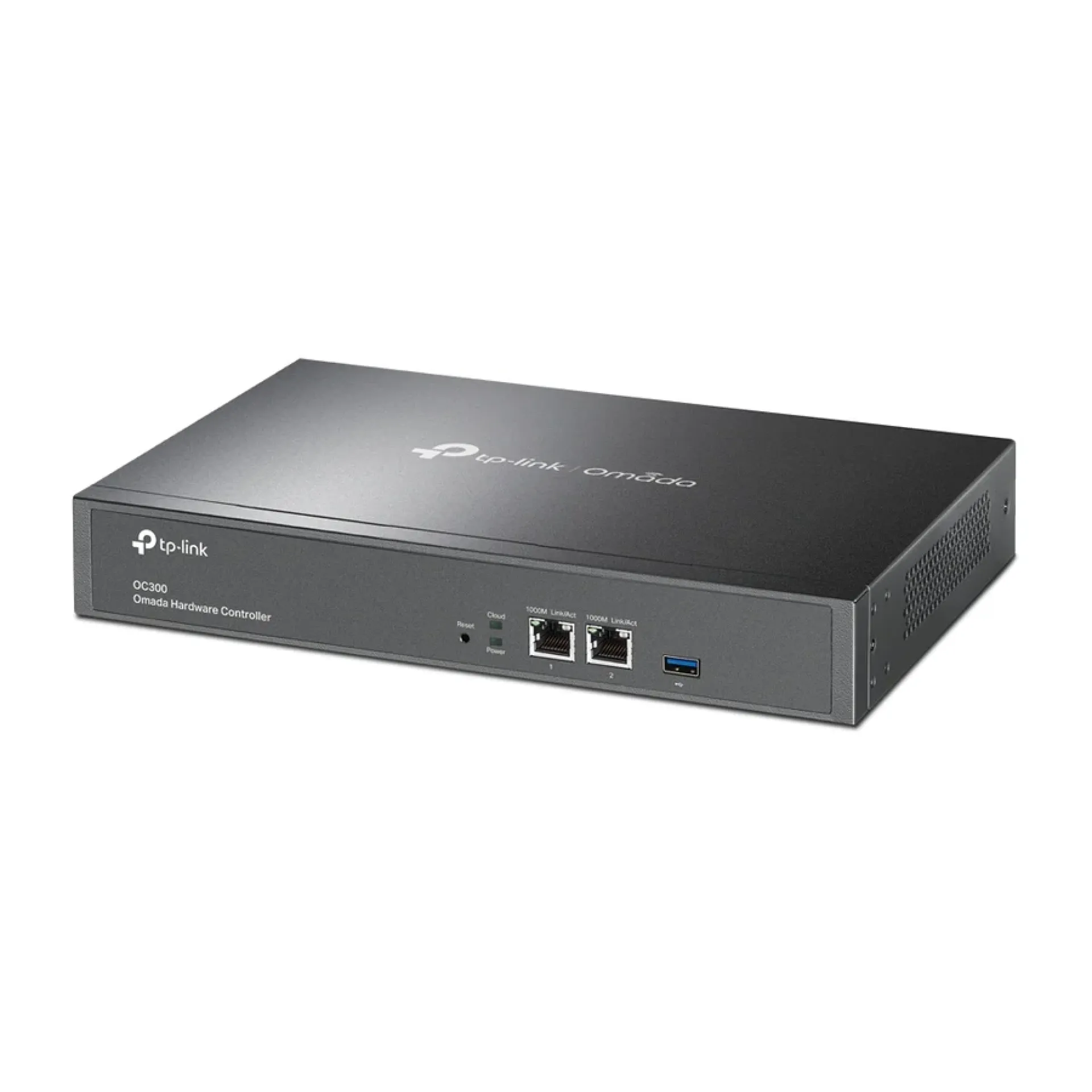
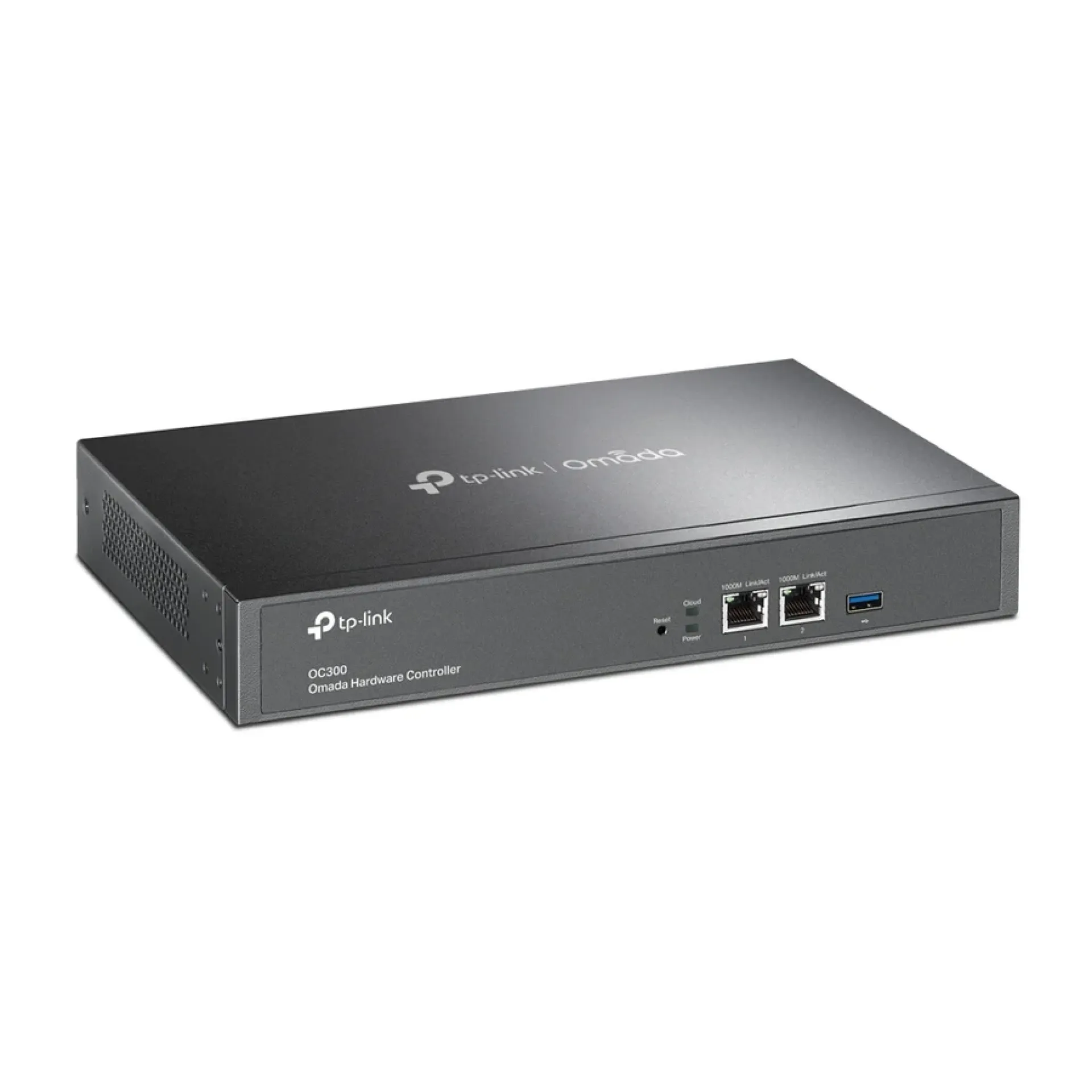
Two Gigabit Ethernet ports
-
One USB 3.0 port for automatic backups
-
Multi-site network management
-
Fanless design with durable metal casing
-
Rackmount and desktop installation options
Overview of TP-Link Omada OC300 Hardware Controller
The TP-Link Omada OC300 Hardware Controller is a centralized network management solution designed for businesses, institutions, hotels and enterprise environments using Omada networking equipment. It allows administrators to manage multiple access points, switches and routers through a single interface instead of configuring each device individually. The controller supports up to 500 Omada access points, 100 switches and 100 routers, with management capacity for up to 15,000 clients, making it suitable for extensive network deployments.
The OC300 provides both local and cloud-based management through the Omada App and Web Interface. Administrators can monitor network performance, view network topology, configure devices in batches and manage multiple sites remotely. Its two Gigabit Ethernet ports, USB 3.0 backup functionality, fanless operation and durable metal enclosure make it a practical dedicated controller for continuous network management.
Price of TP-Link Omada OC300 Hardware Controller in Kenya
|
Price Range |
|---|
|
KSh20,000–24,000 |
Specifications of TP-Link Omada OC300 Hardware Controller
|
Specification |
Details |
|---|---|
|
Brand |
TP-Link |
|
Product Series |
Omada |
|
Model |
OC300 |
|
Product Type |
Hardware Network Controller |
|
Management Platform |
Omada SDN |
|
Access Point Capacity |
Up to 500 |
|
Switch Capacity |
Up to 100 |
|
Router Capacity |
Up to 100 |
|
Client Capacity |
Up to 15,000 |
|
Ethernet Ports |
2 × Gigabit Ethernet |
|
USB Port |
1 × USB 3.0 |
|
Cloud Access |
Yes |
|
Local Management |
Yes |
|
Multi-Site Management |
Yes |
|
Layer 3 Management |
Yes |
|
Management Application |
Omada App and Web Interface |
|
Backup Function |
Automatic USB Backup |
|
Cooling |
Fanless |
|
Casing |
Metal |
|
Power Supply |
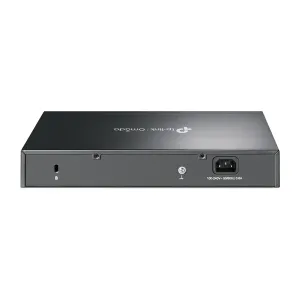
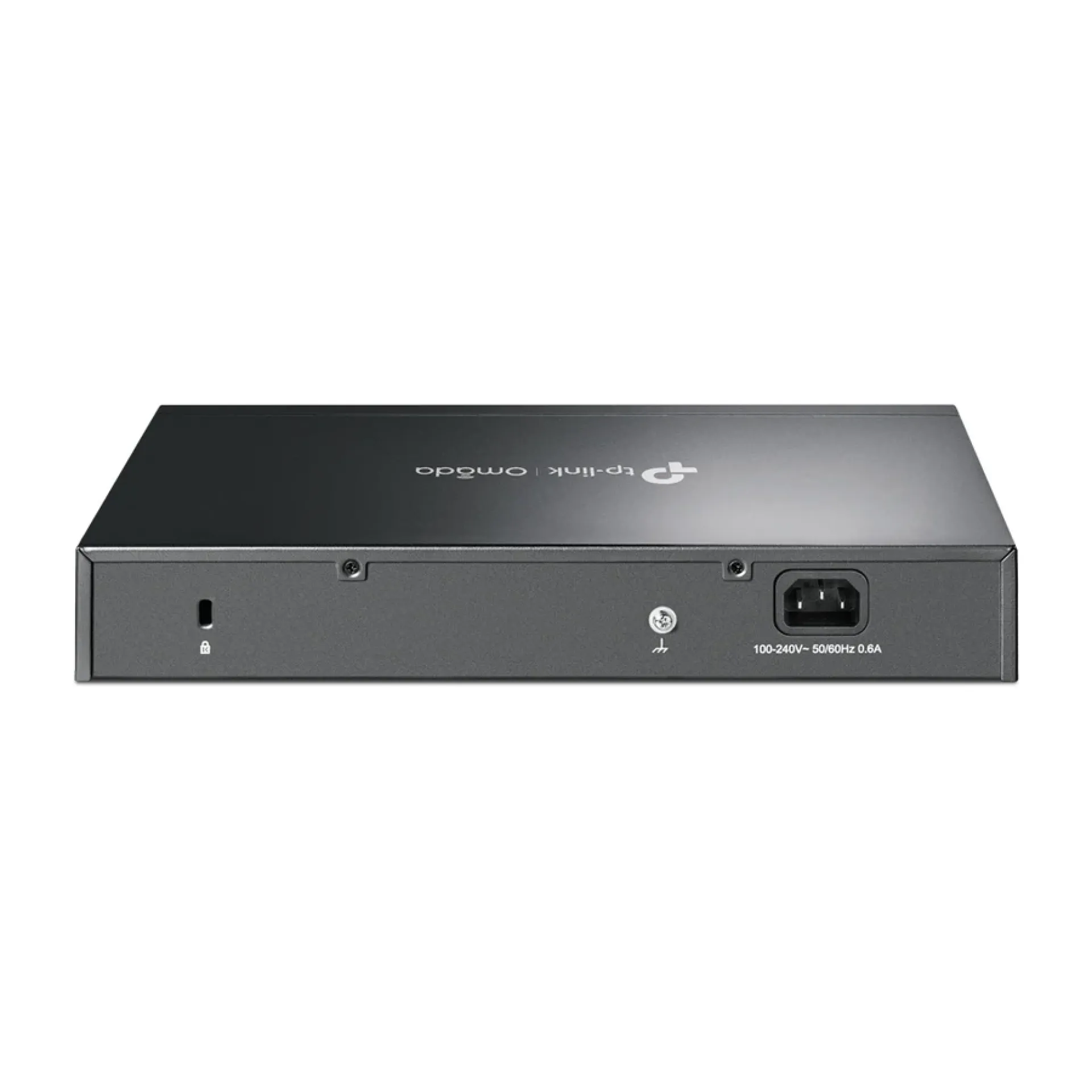
100–240V AC, 50/60Hz, 0.6A |
|
Dimensions |
294 × 180 × 44mm |
|
Installation |
Rackmount or Desktop |
Centralized Network Management of TP-Link Omada OC300 Hardware Controller
-
The OC300 provides a unified management platform for Omada access points, switches and routers, allowing administrators to configure and monitor an entire network from one location.
-
It supports up to 500 access points, 100 switches and 100 routers, making it suitable for large business networks with multiple connected devices.
-
Automatic device discovery simplifies deployment by helping administrators identify compatible Omada equipment on the network.
-
Batch configuration and firmware upgrades reduce repetitive administrative work when managing multiple networking devices.
Cloud Management and Network Monitoring on TP-Link Omada OC300 Hardware Controller
-
Free cloud access allows administrators to monitor and manage their networks remotely through the Omada mobile application or web interface.
-
The network topology view provides a visual representation of connected devices, helping IT teams identify connectivity issues and troubleshoot network problems.
-
Multi-site management makes it possible to administer different network locations through a centralized platform.
-
Network monitoring, traffic insights and abnormal event notifications help administrators keep track of network performance and identify potential issues.
Hardware Design and Connectivity of TP-Link Omada OC300 Hardware Controller
-
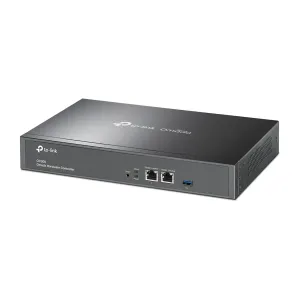
Two Gigabit Ethernet ports provide network connectivity for integrating the controller into an existing Omada deployment.
-
The USB 3.0 port supports automatic backup functionality, helping administrators maintain copies of controller configuration data.
-
Its fanless cooling design operates without a cooling fan, reducing mechanical noise in offices, server rooms and network cabinets.
-
The durable metal enclosure and rackmount installation option support convenient integration into professional network infrastructure.
Pros and Cons of TP-Link Omada OC300 Hardware Controller
|
Pros |
Cons |
|---|---|
|
Manages up to 500 Omada access points |
Designed primarily for compatible Omada equipment |
|
Supports up to 100 switches and 100 routers |
Initial network configuration requires technical knowledge |
|
Free cloud access and remote management |
Does not function as a router or wireless access point |
|
Supports multi-site network management |
Management capacity depends on supported device models and deployment conditions |
|
USB 3.0 automatic backup functionality |
Requires a separate power connection |
|
Fanless design and durable metal casing |
Larger deployments may require additional network planning |
Frequently Asked Questions About TP-Link Omada OC300 Hardware Controller
1. What is the TP-Link Omada OC300 Hardware Controller used for?
The OC300 centrally manages compatible Omada networking devices, including access points, switches and routers. It allows administrators to configure, monitor and maintain network infrastructure through one management interface.
2. How many devices can TP-Link Omada OC300 Hardware Controller manage?
It supports up to 500 Omada access points, 100 Omada switches and 100 Omada routers, with a client management capacity of up to 15,000 devices.
3. Does TP-Link Omada OC300 Hardware Controller support cloud management?
Yes. It provides free cloud access through the Omada App and Web Interface, allowing administrators to monitor and manage supported networks remotely.
4. Does TP-Link Omada OC300 Hardware Controller require a computer to operate?
No. The OC300 is a dedicated hardware controller that runs independently, eliminating the need to keep a separate computer or server running for Omada network management.
5. Does TP-Link Omada OC300 Hardware Controller support multiple sites?
Yes. Its multi-site management functionality allows administrators to manage networking equipment deployed across different locations through one centralized platform.
6. What connectivity ports are available on TP-Link Omada OC300 Hardware Controller?
It features two Gigabit Ethernet ports and one USB 3.0 port. The Ethernet ports connect it to the network, while the USB port supports automatic backups.
7. Can TP-Link Omada OC300 Hardware Controller be installed in a network rack?
Yes. It supports rackmount and desktop installation, making it suitable for server rooms, network cabinets and business IT environments.
Conclusion on TP-Link Omada OC300 Hardware Controller
The TP-Link Omada OC300 Hardware Controller is a dedicated network management solution for businesses and organizations operating larger Omada deployments. Its ability to manage hundreds of access points, switches and routers, combined with free cloud access, multi-site management, network monitoring and automatic backups, simplifies network administration. With Gigabit Ethernet connectivity, USB 3.0 and a fanless metal design, it provides a practical foundation for centralized management of professional networking infrastructure.
| Shipping Cost |
|