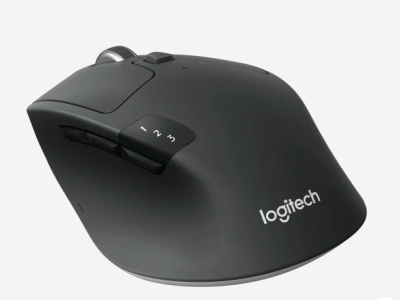

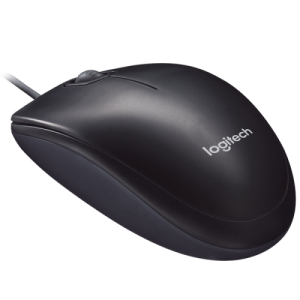
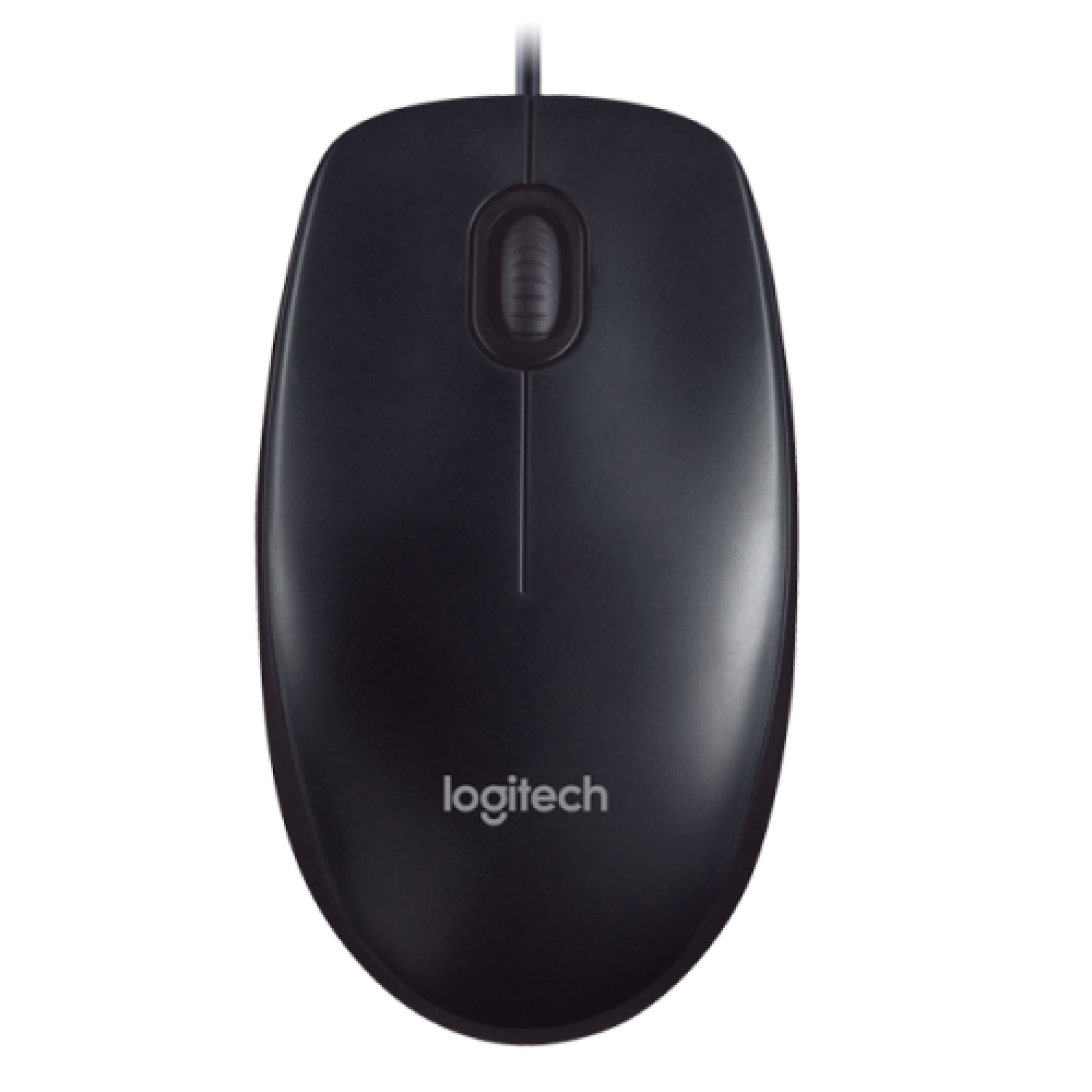
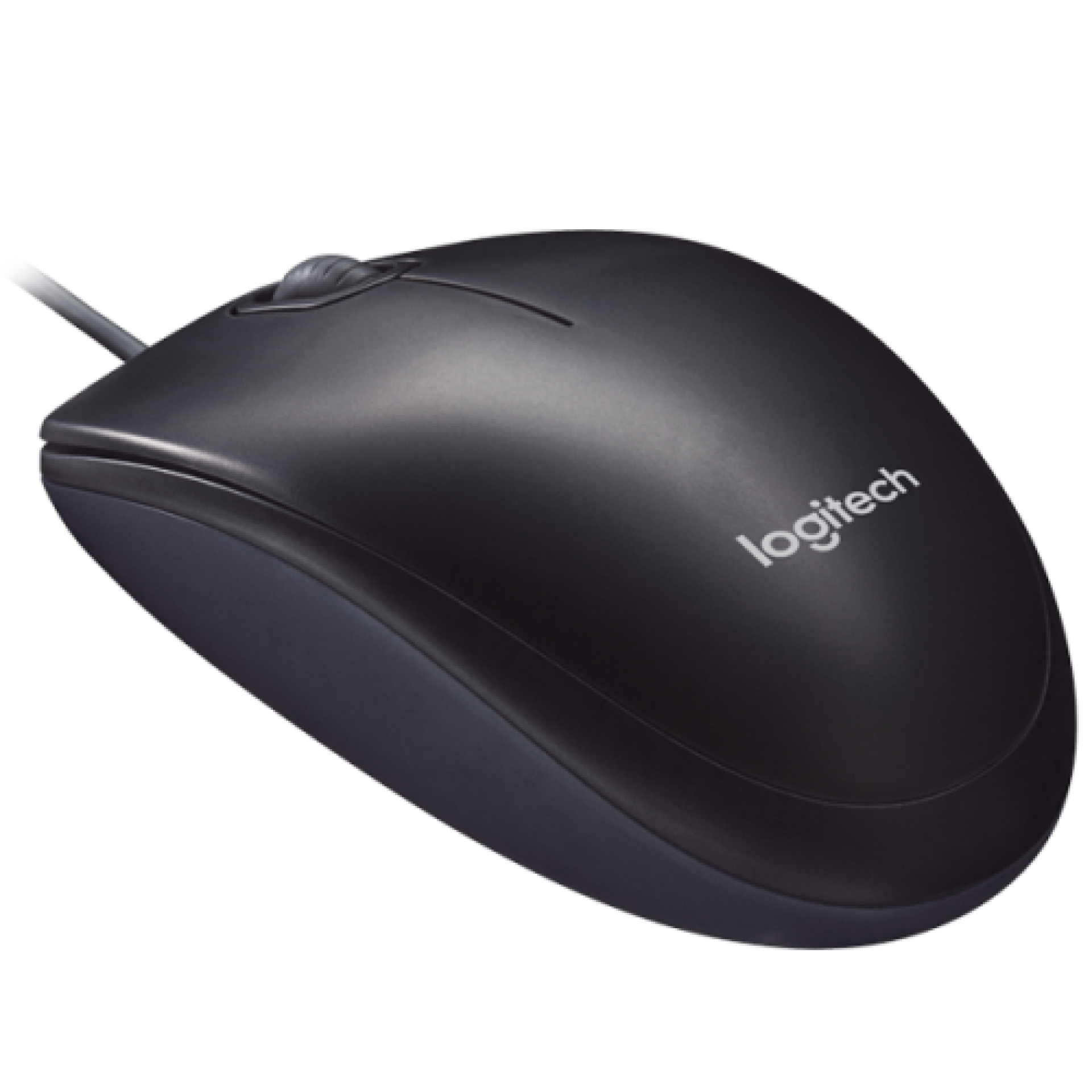
Logitech M90 USB Optical Mouse 910-001793 Overview
The Logitech M90 USB Optical Mouse (910-001793) is a simple, reliable, and affordable wired mouse designed for everyday use. It offers plug-and-play functionality, precise optical tracking, and ambidextrous design, making it suitable for both left- and right-handed users.
Logitech M90 USB Optical Mouse 910-001793 Specifications
| Component | Details |
|---|---|
| Device Type | Wired USB Optical Mouse |
| Connectivity | USB 2.0 (Type-A) |
| Orientation | Right and left-handed |
| Movement Tech | Optical tracking |
| Resolution | 1000 dpi |
| Features | Scroll wheel, smooth tracking |
| Compatibility | Windows XP/Vista/7/8/10/11, macOS X 10.4+, Linux Kernel 2.6+ |
| Warranty | 3 years (manufacturer) |
Logitech M90 USB Optical Mouse 910-001793 Price in Kenya
| Product Description | Price Range (KES) |
|---|---|
| Logitech M90 USB Optical Mouse 910-001793 | KSh 700 – 1,400 |
Logitech M90 USB Optical Mouse 910-001793 Design and Build
-
Compact and lightweight design.
-
Ambidextrous shape for both left- and right-handed users.
-
Smooth optical tracking works on most surfaces.
-
Wired USB connection ensures stable performance.
Logitech M90 USB Optical Mouse 910-001793 Performance
-
1000 dpi resolution for precise cursor control.
-
Plug-and-play setup with no drivers required.
-
Reliable for everyday tasks like browsing, office work, and light productivity.
Logitech M90 USB Optical Mouse 910-001793 Ideal Use Cases
-
Students: Affordable option for schoolwork and online learning.
-
Office Users: Reliable wired mouse for productivity tasks.
-
Home Users: Simple mouse for browsing and general use.
Logitech M90 USB Optical Mouse 910-001793 Pros and Cons
| Pros | Cons |
|---|---|
| Affordable price | Basic features only |
| Plug-and-play setup | No advanced customization |
| Ambidextrous design | Wired connection (not wireless) |
| Smooth optical tracking | Limited to 1000 dpi |
| Wide OS compatibility | – |
Logitech M90 USB Optical Mouse 910-001793 FAQs
1. Does it require drivers? No, it is plug-and-play via USB.
2. Can it be used on both Windows and Mac? Yes, it supports Windows, macOS, and Linux.
3. Is it suitable for gaming? It can handle casual gaming but is not designed for professional or high-DPI gaming.
4. Does it work without a mouse pad? Yes, it tracks smoothly on most surfaces.
5. Is it comfortable for left-handed users? Yes, it has an ambidextrous design.
| Shipping Cost |
|