

iMICE W540 Wireless Mouse Key Features
-
Dual-Mode Wireless Connectivity (2.4GHz + Bluetooth 5.2)
-
Built-in Rechargeable Battery
-
Adjustable DPI up to 1600
-
USB Type-C Charging Port
-
Lightweight Ergonomic Design
-
Plug & Play USB Nano Receiver
-
Up to 10-Meter Wireless Range
-
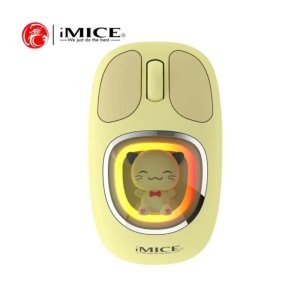
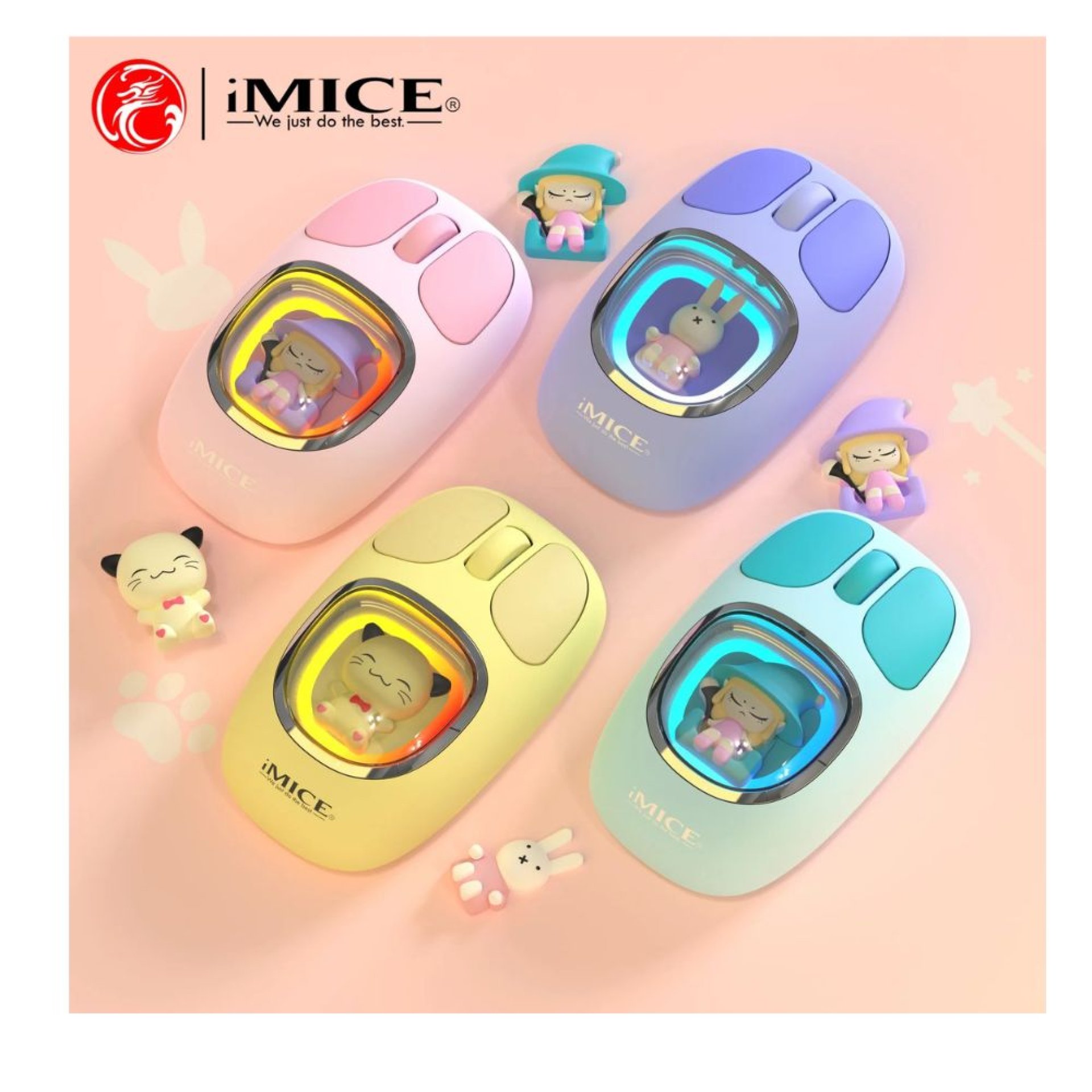
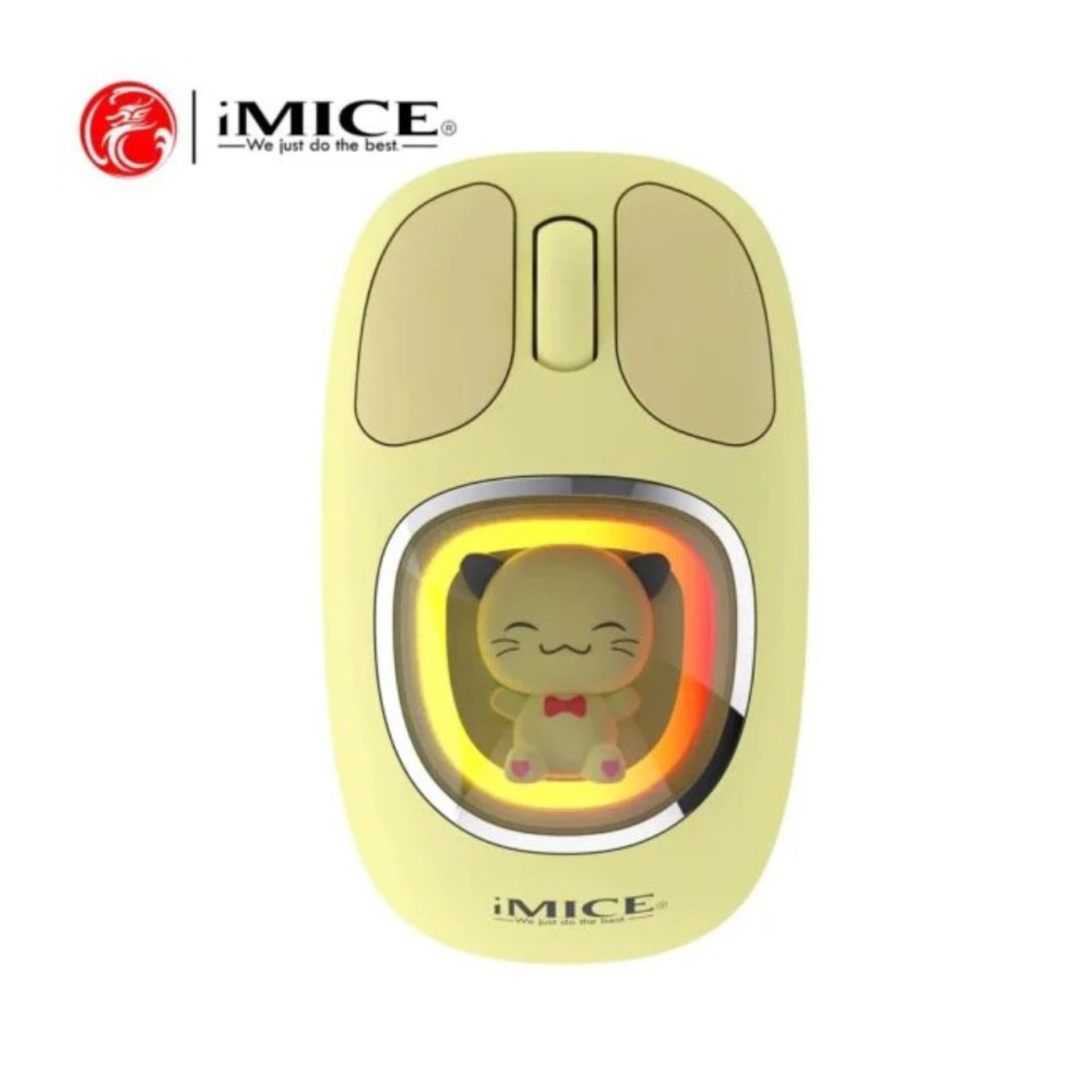
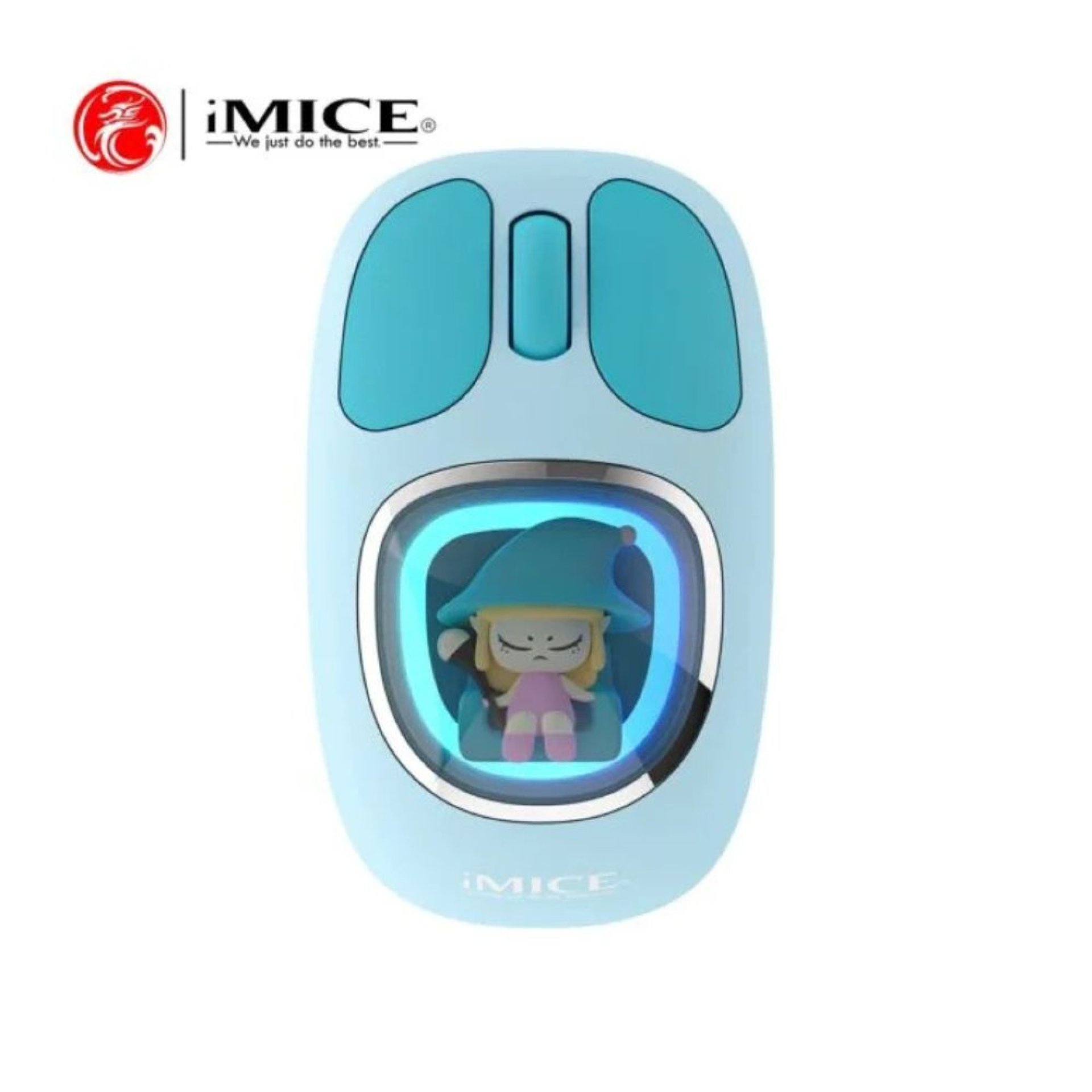
Stylish Yellow & Blue Color Options
iMICE W540 Wireless Mouse Overview
The iMICE W540 Wireless Mouse is a stylish and versatile wireless mouse designed for work, study, and everyday computing. Featuring dual-mode connectivity with both 2.4GHz wireless and Bluetooth 5.2, it offers flexible pairing with laptops, desktops, tablets, and other compatible devices. Its lightweight ergonomic design ensures comfortable use throughout the day, while the built-in rechargeable battery eliminates the need for disposable batteries.
With adjustable DPI settings up to 1600, the W540 delivers smooth and responsive cursor control for office applications, web browsing, multimedia, and light gaming. The USB Type-C charging port allows quick recharging, while the compact design makes it an excellent travel companion for professionals, students, and remote workers.
iMICE W540 Wireless Mouse Price Table
| Product | Price (KSh) |
|---|---|
| iMICE W540 Wireless Mouse (Yellow / Blue) | 2,500 |
iMICE W540 Wireless Mouse Specifications Table
| Specification | Details |
|---|---|
| Brand | iMICE |
| Model | W540 |
| Connectivity | 2.4GHz Wireless + Bluetooth 5.2 |
| Sensor Type | Optical |
| DPI | Up to 1600 DPI |
| Buttons | 3 Buttons |
| Wireless Range | Up to 10 Metres |
| Battery | Built-in Rechargeable Battery |
| Charging Port | USB Type-C |
| Dimensions | 105 × 63 × 35 mm |
| Weight | Approximately 75g |
| Compatibility | Windows, macOS, Linux, Android |
| Colors | Yellow / Blue |
Connectivity & Performance
-
Dual-mode connectivity allows switching between 2.4GHz wireless and Bluetooth 5.2 for convenient multi-device use.
-
Adjustable DPI up to 1600 provides accurate cursor tracking for office work, browsing, and everyday productivity.
-
Stable wireless connection delivers reliable performance with an operating distance of up to 10 metres.
-
Plug-and-play USB nano receiver enables quick setup without installing additional drivers.
Design & Comfort
-
Ergonomic shape provides a comfortable grip during extended work sessions.
-
Lightweight 75g construction reduces hand fatigue and improves portability.
-
Built-in rechargeable battery helps reduce battery replacement costs.
-
USB Type-C charging offers fast and convenient recharging.
Compatibility
-
Windows 7, 8, 10 & 11
-
macOS
-
Linux
-
Android Tablets
-
Desktop PCs
-
Laptops
-
Bluetooth & USB-A Compatible Devices
FAQs
Does the mouse support Bluetooth?
Yes. It supports both Bluetooth 5.2 and 2.4GHz wireless connectivity.
Is the battery rechargeable?
Yes. It features a built-in rechargeable battery that charges via USB Type-C.
Do I need to install drivers?
No. It is plug-and-play using the USB receiver and pairs easily over Bluetooth.
What is the maximum DPI?
The mouse supports adjustable DPI settings up to 1600 DPI.
Is it suitable for gaming?
It is suitable for casual gaming, office work, studying, and everyday computer use.
Pros & Cons Table
| Pros | Cons |
|---|---|
| Dual-mode Bluetooth & 2.4GHz connectivity | Not intended for competitive gaming |
| Rechargeable USB-C battery | Limited to 3 buttons |
| Lightweight ergonomic design | |
| Plug-and-play installation | |
| Stylish Yellow & Blue color options |
Conclusion
The iMICE W540 Wireless Mouse combines stylish design, dual wireless connectivity, rechargeable convenience, and comfortable ergonomics into an affordable everyday mouse. Whether you're working, studying, or browsing, it delivers dependable wireless performance and excellent value for KSh 2,500.
| Shipping Cost |
|