
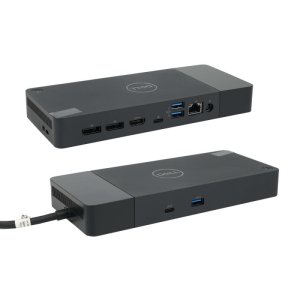

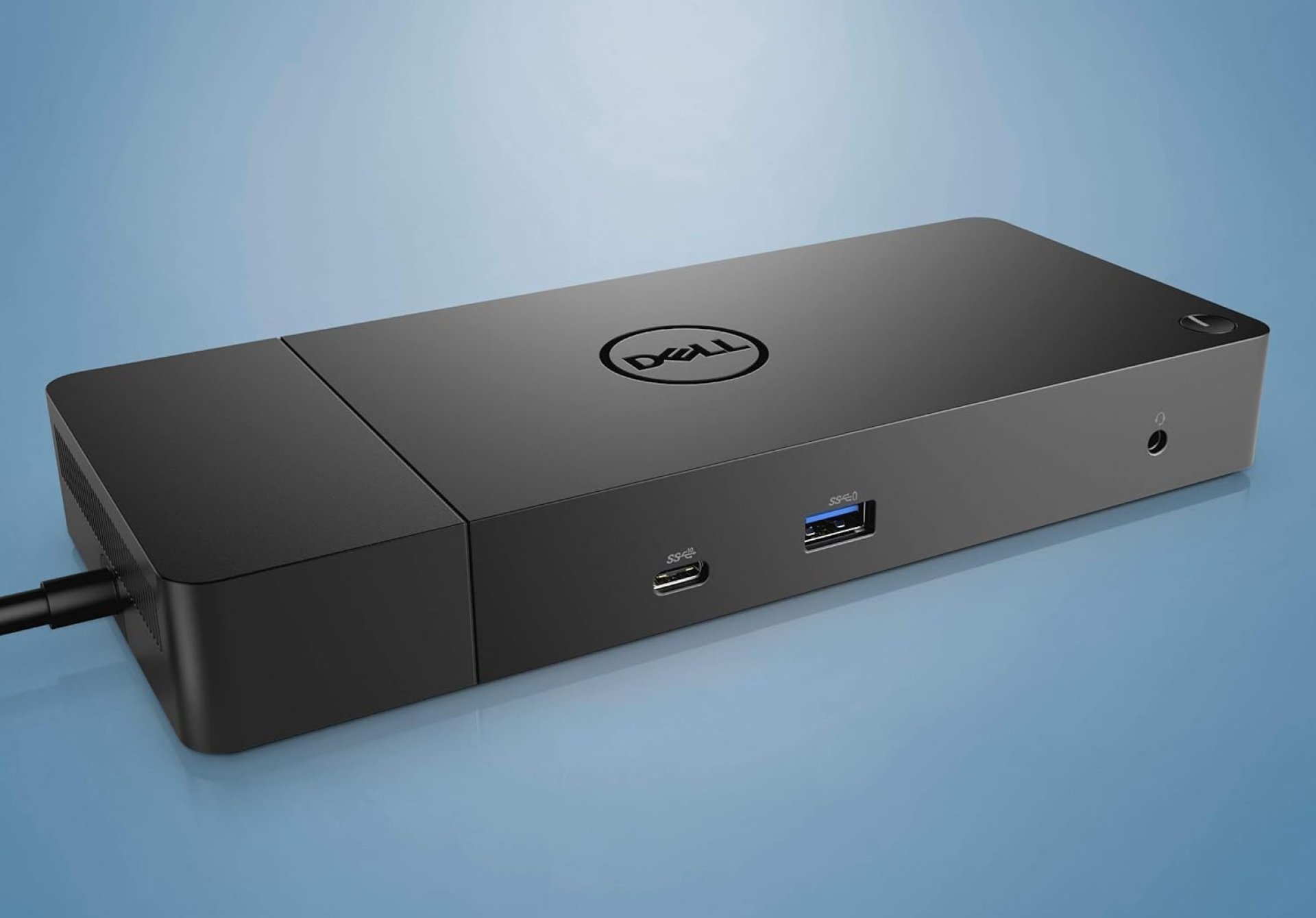
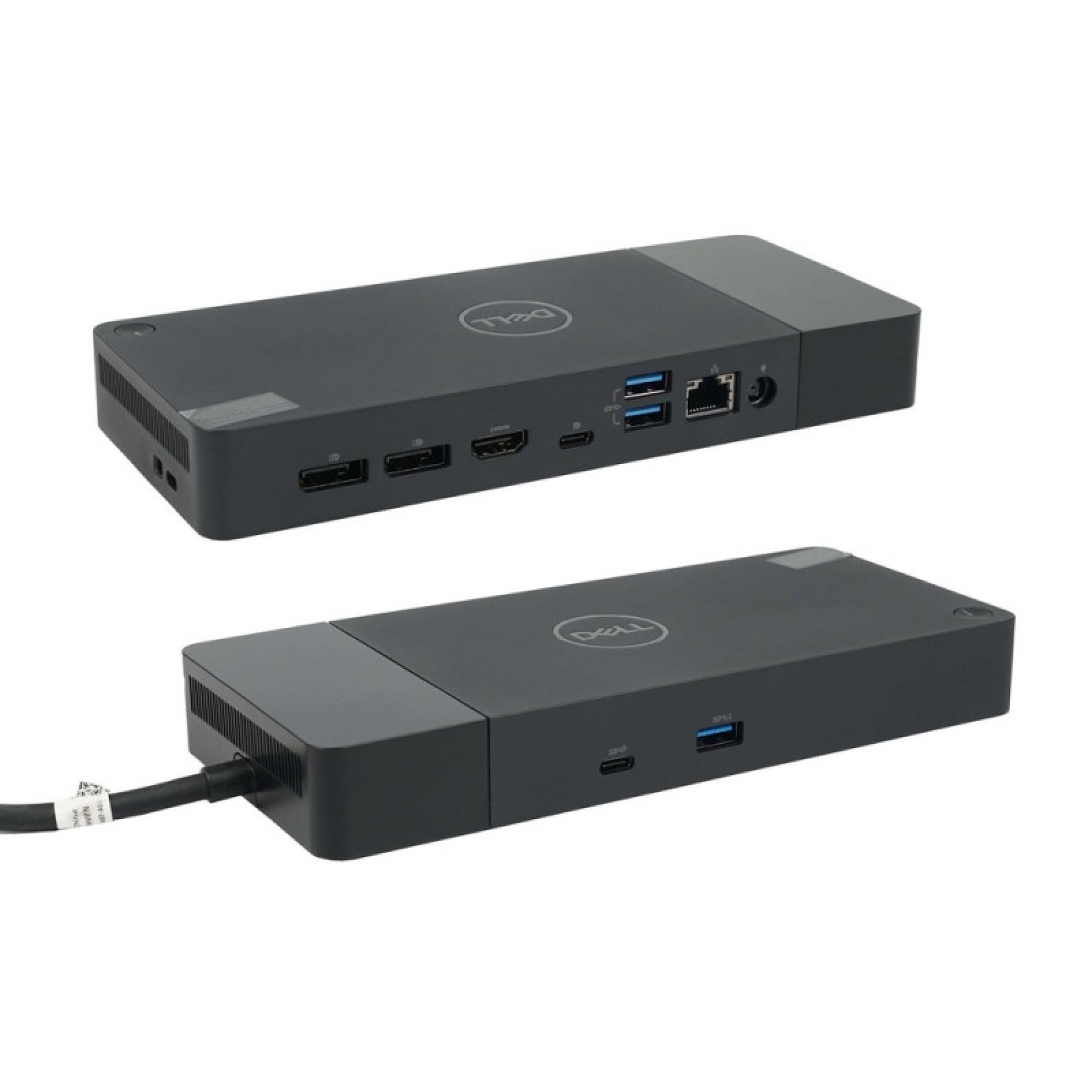
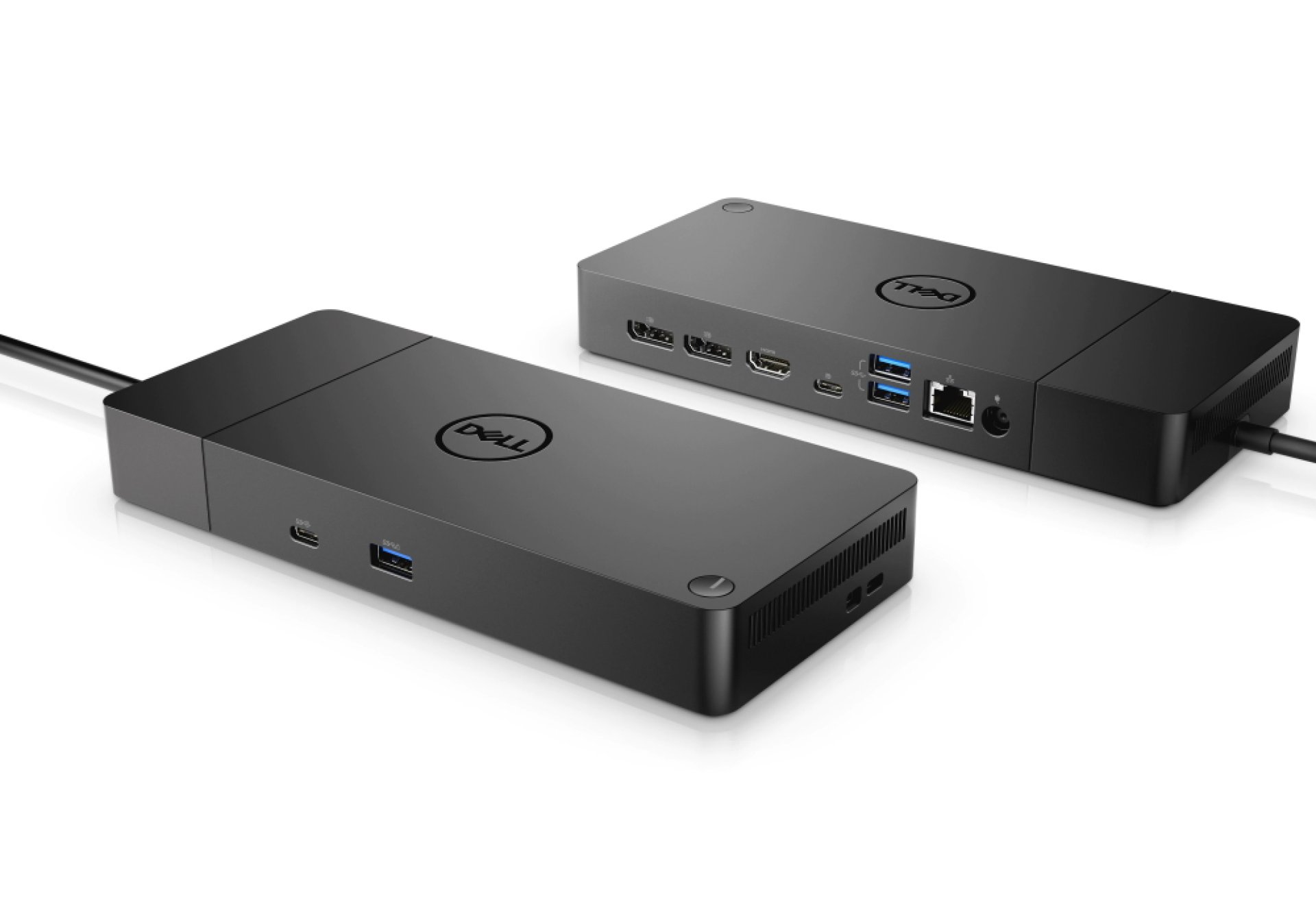
Dell WD19S USB-C Docking Station (130W/180W)
-
Docking Interface: USB-C (Integrated 1.0m cable)
-
Video Interfaces: * 2 x Full-size DisplayPort 1.4
-
1 x HDMI 2.0b
-
1 x USB-C Multifunction DisplayPort (Can be used for a 3rd monitor)
-
-
USB Ports:
-
3 x USB 3.1 / 3.2 Gen 1 Type-A (5Gbps)
-
2 x USB-C 3.1 / 3.2 Gen 2 (10Gbps)
-
-
Networking: 1 x Gigabit Ethernet (RJ45)
-
Power Delivery: * Up to 90W (when using the 130W AC Adapter)
-
Up to 130W (when using the 180W AC Adapter)
-
-
Max Resolution: Single 4K @ 60Hz or Dual FHD (1080p) @ 60Hz
-
Weight: 585g (approx. 20.63 oz)
Dell WD19S USB-C Docking Station (130W/180W)
The Dell WD19S USB-C Docking Station is the industry-standard solution for transforming a laptop into a full-scale professional workstation. Featuring a modular design and high-speed USB-C connectivity, it provides power, data, and video through a single cable. The Dell WD19S USB-C Docking Station Price in Kenya is KSh 21,600.
Who Should Buy This Dock? This is a "must-have" for office professionals and remote workers in Nairobi who use modern Dell Latitude, XPS, or Precision laptops. It is perfect for those who want a "one-cable" setup to connect two 4K monitors, a wired office network, and various peripherals like keyboards and external drives. At KSh 21,600, it offers a significant productivity boost by eliminating the need to plug in multiple adapters every morning.
Dell WD19S Price & Variant Comparison
| Variant | Power Adapter | Power Delivery to Laptop | Price (KSh) |
| Dell WD19S (130W) | 130W | Up to 90W | KSh 21,600 |
| Dell WD19S (180W) | 180W | Up to 130W | Check Availability |
Technical Specifications
| Feature | Specification |
| Host Interface | USB-C 3.1 Gen 2 (Integrated 1.0m cable) |
| Video Ports | 2 x DisplayPort 1.4, 1 x HDMI 2.0 |
| USB Ports | 3 x USB-A 3.1 Gen 1, 2 x USB-C 3.1 Gen 2 |
| Max Resolution | Dual 4K @ 60Hz (on HBR3 systems) |
| Networking | 1 x Gigabit Ethernet (RJ-45) |
| Power Delivery | Up to 130W (with 180W AC Adapter) |
| Management Features | PXE Boot, Wake-On-LAN, MAC Address Pass-Through |
| Compatibility | Windows 10/11, Ubuntu 18.04, Red Hat Linux |
Key Professional Features
-
ExpressCharge Technology: On compatible Dell systems, the WD19S can charge your battery up to 80% in just one hour, ensuring you’re ready to move at a moment's notice.
-
Modular Future-Ready Design: The dock's module can be easily swapped or upgraded in the future without replacing the entire unit, protecting your investment as technology evolves.
-
Multi-Display Mastery: Supports up to three displays (including the laptop screen) or dual 4K monitors, providing the screen real estate needed for complex data analysis or design work.
-
Enterprise-Level Management: Supports specialized features like MAC Address Pass-Through and firmware updates via the host laptop, making it a favorite for corporate IT departments.
-
Universal USB-C Compatibility: While optimized for Dell, it is fully functional with other USB-C enabled laptops from HP, Lenovo, and Apple (though power delivery and display support may vary).
Important Usage Notes
[!IMPORTANT]
No Audio Jack: The "S" in WD19S indicates this is the simplified version which does not include a 3.5mm audio jack. You will need to use your laptop's jack or USB-based audio.
Power Requirements: To deliver the full 130W required by high-end laptops like the XPS 15 or Precision 5000 series, the dock must be used with the 180W power adapter.
Display Support: Maximum resolution and the number of supported monitors depend on your laptop's internal graphics capabilities (HBR2 vs. HBR3).
Pros and Cons
| Pros | Cons |
| Single-cable convenience for KSh 21,600 | No built-in 3.5mm audio port |
| Modular design allows for future upgrades | Bulky power brick (180W version) |
| Enterprise-grade security and management | |
| Fast 130W charging for Dell systems |
Conclusion
The Dell WD19S is a reliable, high-performance hub that simplifies the modern desk. For KSh 21,600, it provides the connectivity and power needed to turn your portable laptop into a powerhouse desktop workstation
| Shipping Cost |
|